
How Better App Screenshots Can Improve Your App Downloads
Why screenshots affect conversion, what users scan first, and how to design screenshot sets that make people more likely to install.
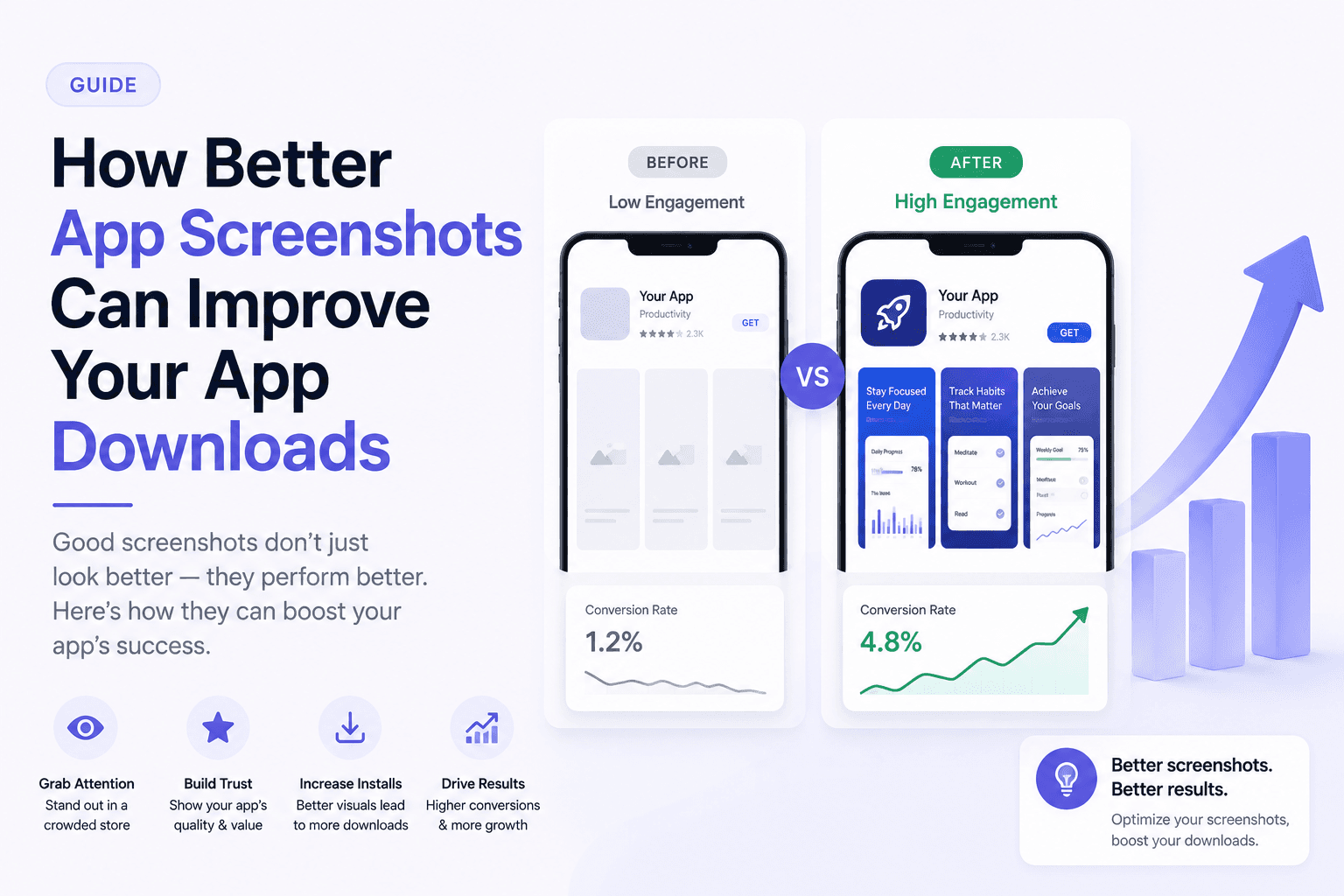
Your screenshots are not decoration. They are one of the strongest conversion assets on your store page. A better screenshot set helps users understand the product faster, trust it sooner, and decide to download with less friction.
Screenshots explain the value before users read
Many users scan visuals before they read your description. If your screenshots only show raw UI, users have to do the work of understanding why the app matters.
Good screenshots reduce that work. They combine a real product screen with a short benefit statement, so the user can quickly connect the interface to an outcome.
The first two screenshots carry the most weight
The first screenshots are often visible before users open the full gallery. They need to communicate the app category, the core benefit, and the quality level immediately.
Think of the first screenshot as your headline and the second as your proof. The first should create interest. The second should make the product feel real and useful.
Better screenshots create trust
Polished screenshots signal that the app is maintained, thoughtful, and worth trying. This matters even more for indie apps where users may not already know the brand.
Trust does not require expensive illustration. Clean spacing, consistent typography, realistic data, and sharp device frames already put the app ahead of many listings.
Conversion improves when the set answers objections
Users hesitate when they do not understand what the app does, whether it fits their use case, or whether it is worth the time. Your screenshot sequence can answer those objections one by one.
Show the main use case, the fastest workflow, the feature that feels different, and the final outcome. This makes the listing feel complete before the user even reads the long description.
Key takeaways
- Treat screenshots as conversion assets, not decoration.
- Use the first two screenshots to communicate the main value.
- Pair real UI with short benefit captions.
- Use visual polish to build trust quickly.
- Design the sequence to answer user objections.
Build faster
Create your next screenshot set in Screenza.
Use a template, replace the screens, edit the copy, and export polished App Store or Google Play screenshots without a design file.