
Figma vs Screenza: The Fastest Way to Make App Store Screenshots
A practical comparison of Figma and Screenza for developers who need polished app store screenshots quickly.
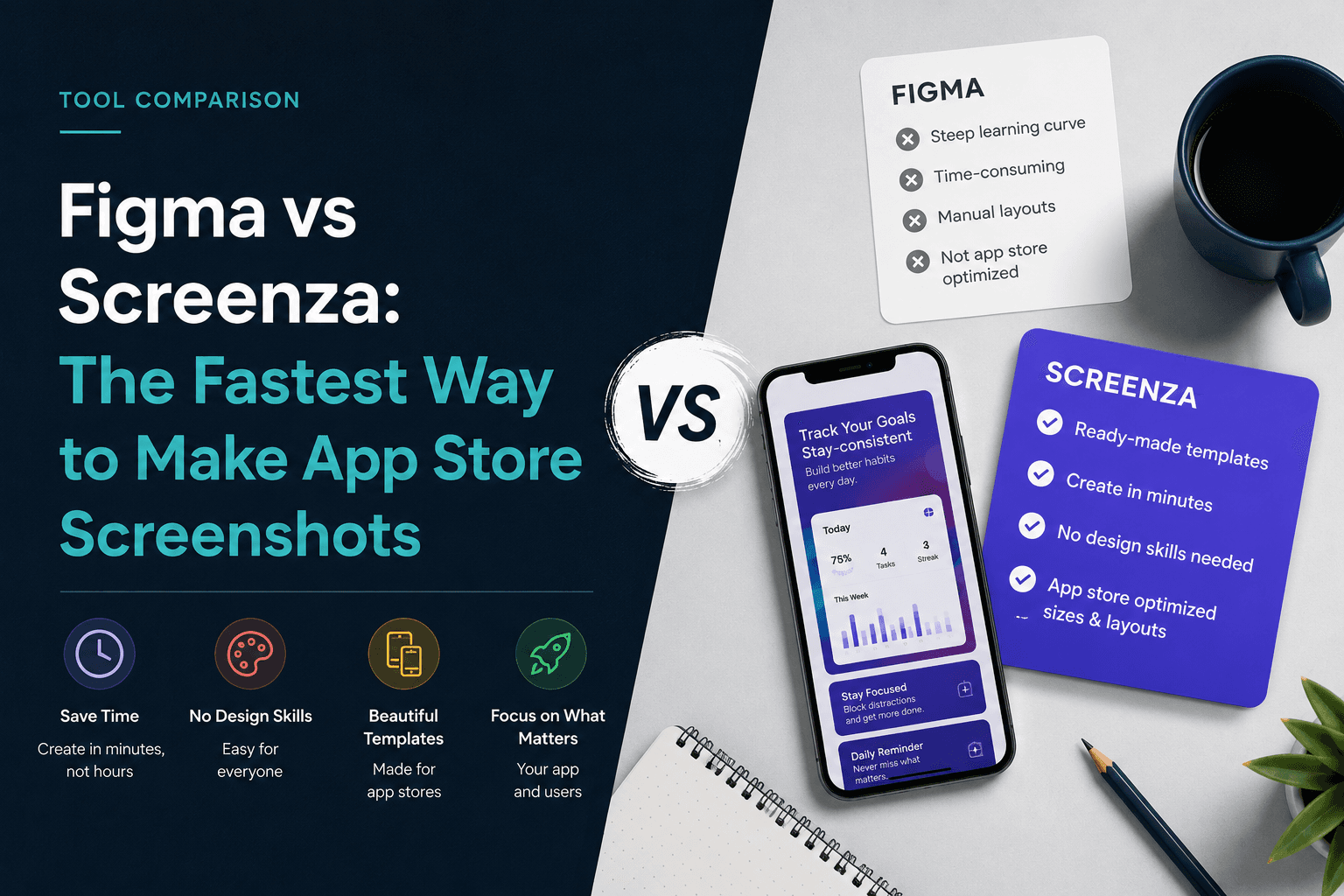
Figma is a powerful design tool. Screenza is a focused screenshot tool. If your goal is to design a full product system, Figma is the right place. If your goal is to make app store screenshots quickly, a purpose-built workflow is usually faster.
Figma is flexible, but setup takes time
In Figma, you need to create frames, choose exact dimensions, find or build device mockups, import screenshots, manage masks, align text, and export assets. Designers can do this well, but it is a lot of setup for a developer who just wants store screenshots.
That flexibility is valuable when you need custom art direction. It becomes friction when you only need a clean screenshot set before launch.
Screenza removes the repeated setup
Screenza starts closer to the final job. Templates, device frames, screenshot canvases, text controls, and exports are already part of the workflow.
Instead of building the system first, you choose a template, replace the screenshots, edit the captions, and export. That is the difference between designing infrastructure and finishing the asset.
Use Figma when the brand system matters more than speed
If you have a designer, a full brand kit, custom illustrations, or a launch campaign that needs many custom assets, Figma is still excellent.
The tradeoff is time. You will get more control, but you will also spend more time building and maintaining the file.
Use Screenza when you need polished screenshots today
Most indie developers and small teams need a practical balance: professional enough to improve trust, fast enough to avoid blocking launch.
For that use case, Screenza is intentionally narrower. It focuses on the screenshot workflow, not general design work.
Key takeaways
- Figma offers more control but requires more setup.
- Screenza is faster for store screenshot workflows.
- Use Figma for custom campaign systems.
- Use Screenza for launch-ready screenshots without design overhead.
- The fastest tool is the one closest to the final job.
Build faster
Create your next screenshot set in Screenza.
Use a template, replace the screens, edit the copy, and export polished App Store or Google Play screenshots without a design file.