
Google Play Screenshot Requirements (2026): Sizes, Limits, and Best Practices
Everything you need for Google Play screenshots in 2026: size ranges, image limits, feature graphic specs, and conversion-focused design tips.
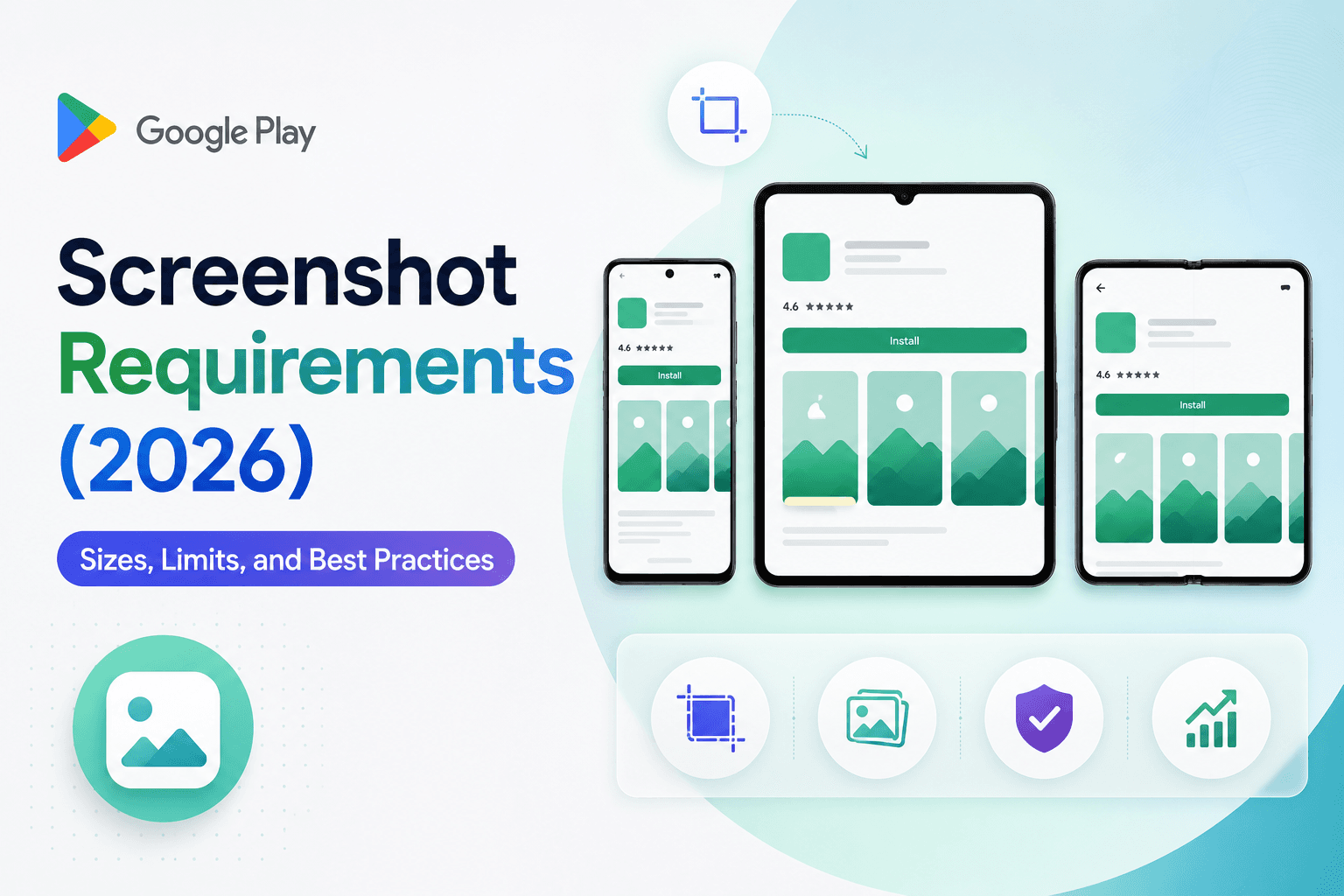
Google Play allows flexibility, but that does not mean every screenshot set performs equally. This guide focuses on what drives acceptance and installs.
Core requirements to satisfy first
Meet format and size constraints before creative polish. A rejected set is wasted effort.
Treat phone screenshots and feature graphics as separate assets, each with its own composition logic.
How many screenshots should you use
Use as many meaningful screenshots as your story needs, not the minimum required. Early screenshots carry the most weight.
Prioritize high-intent use cases and clear value statements in the first few frames.
Best practices that improve conversion
Use concise captions, strong contrast, and realistic UI states with populated data.
Avoid clutter, tiny typography, and repeated messaging that does not add new value.
Speed up publishing with reusable templates
Teams that publish frequent updates benefit from stable screenshot templates where only UI images and headlines change release to release.
Screenza helps you keep that system repeatable so Google Play updates are faster and less error-prone.
Key takeaways
- Compliance first, optimization second.
- Treat feature graphics separately from phone screenshots.
- Front-load your strongest value proposition.
- Use clear, readable copy with realistic UI.
Build faster
Create your next screenshot set in Screenza.
Use a template, replace the screens, edit the copy, and export polished App Store or Google Play screenshots without a design file.